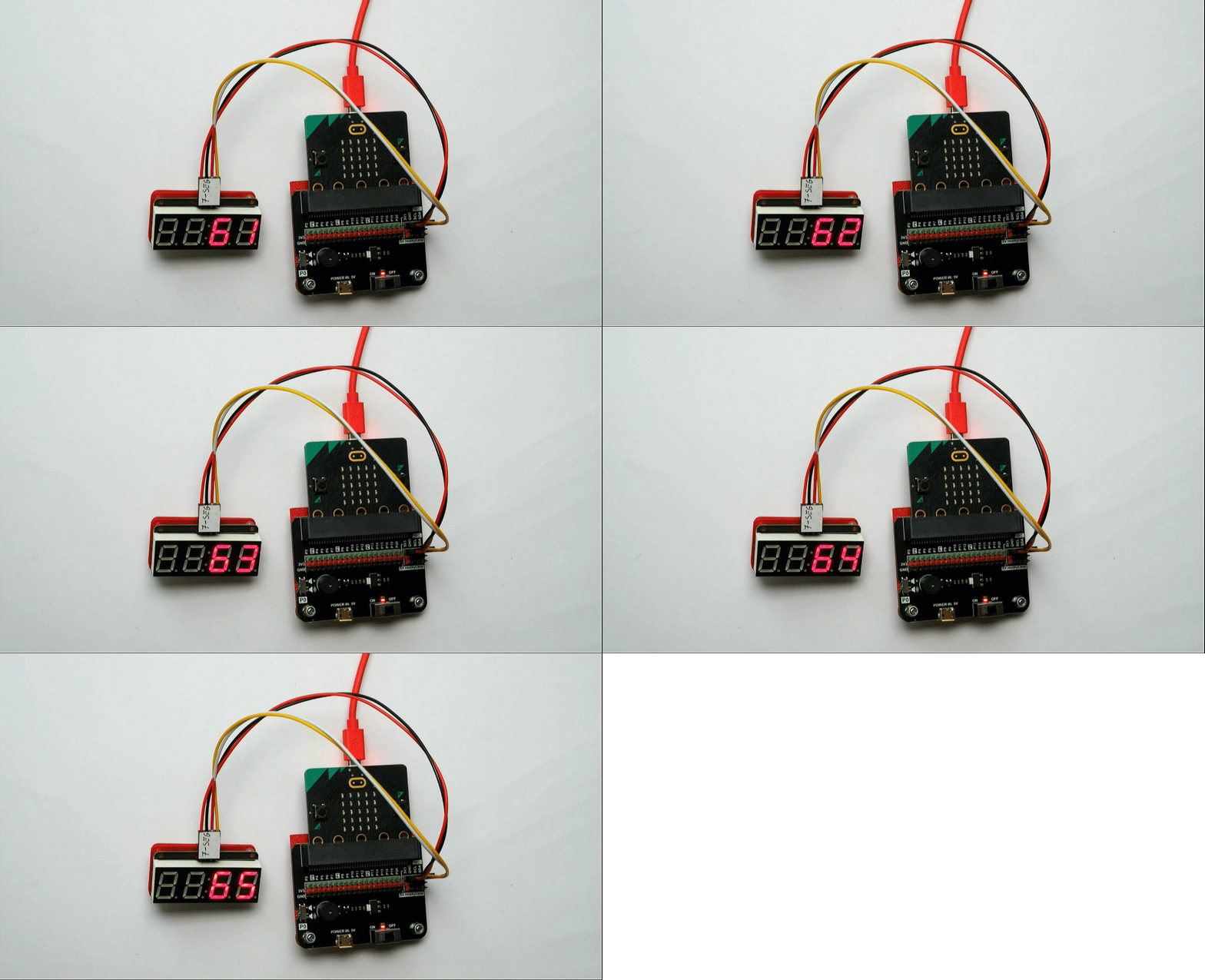
Numeric LED
The numeric LED can be used to display up to 4 numbers.
Use it to keep score, show the time and much more!
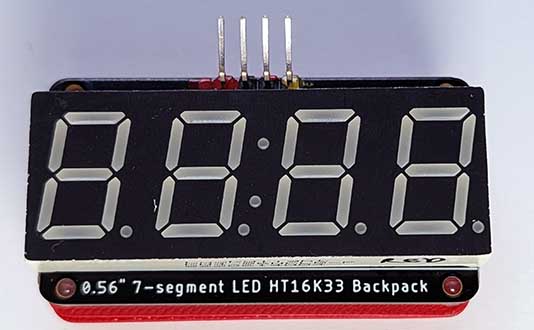
Wiring
Use a special cable (7-seg) to connect the sensor. This has 4 wires, white, yellow, red and black:
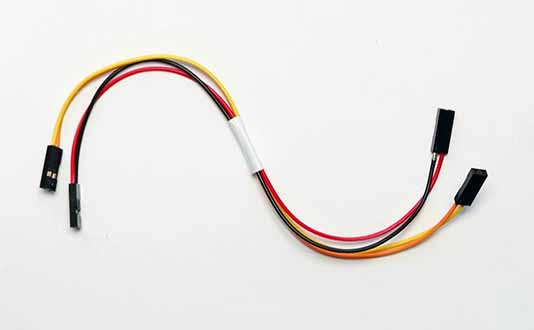
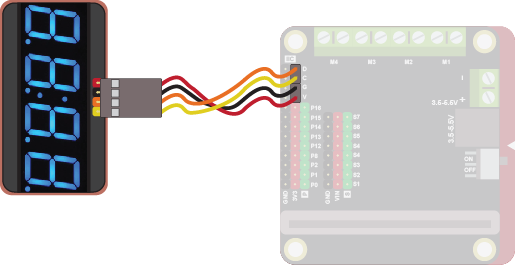
Wire up as follows, using the Edge Connector or Motor Controller board:
| Numeric Display | Edge Connector | Motor Controller |
|---|---|---|
| Red | 3V3 | V |
| Black | GND | G |
| Yellow | SCL | C |
| Orange | SDA | D |
On the edge connector it should look like this:
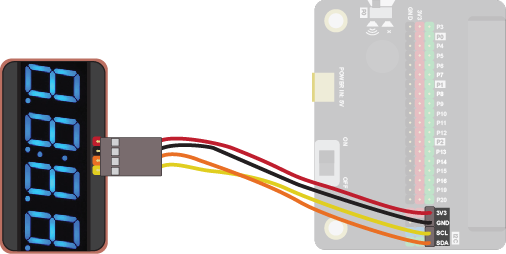
On the motor controller it should look like this:
Coding
You will need to add an extension to get additional blocks for the numeric LED. Click on the extensions block:

Then search for github:lewfer/mb-numeric-led. The following should appear:

Click on it. You should see a new block appear:

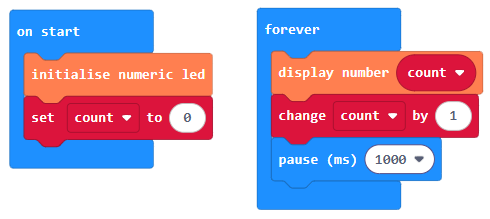
Enter this code in on start and forever blocks:
Download the code to the microbit.
The code creates a simple counter, displaying the number of seconds that have elapsed since the start: