Weather Sensor
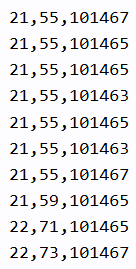
The BME 280 weather sensor can read temperature, pressure and humidity.
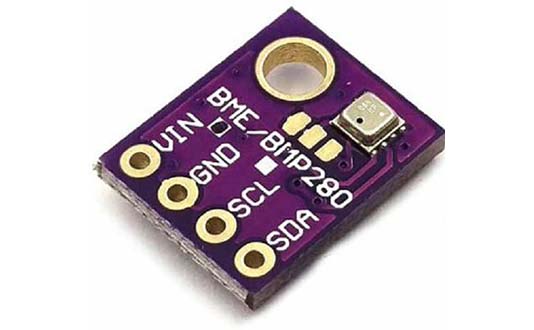
Wiring
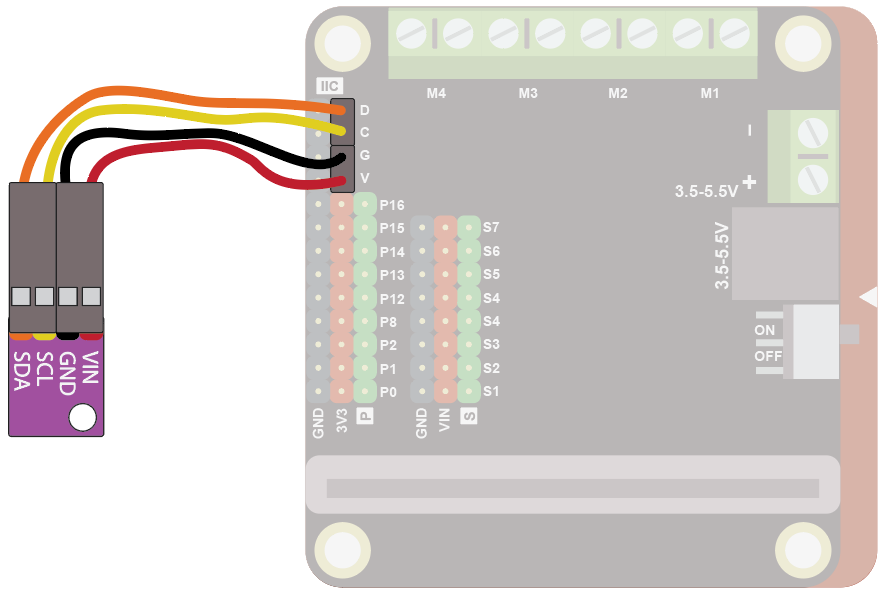
Use the I2C cable to connect the sensor. This has 4 wires in 2 pairs: orange-yellow and red-black:
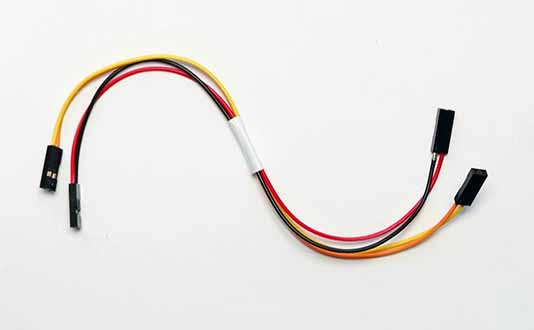
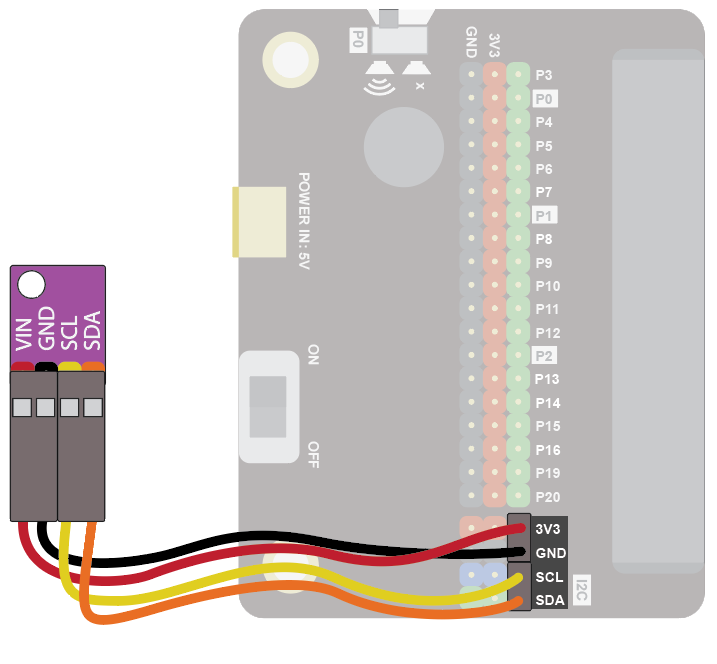
Wire up as follows, using the Edge Connector or Motor Controller board:
| Weather Sensor | Wire colour | Edge Connector | Motor Controller |
|---|---|---|---|
| VIN | Red | 3V3 | V |
| GND | Black | GND | G |
| SCL | Yellow | SCL | C |
| SDA | Orange | SDA | D |
On the edge connector it should look like this:
On the motor controller it should look like this:
If you are using the Adafruit weather sensor, the wiring is a little different:
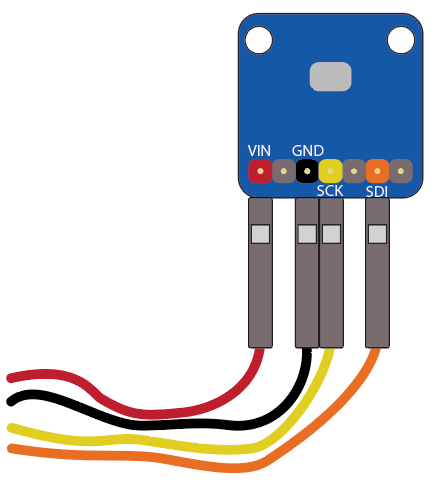
| Adafruit Weather Sensor | Wire colour | Edge Connector | Motor Controller |
|---|---|---|---|
| VIN | Red | 3V3 | V |
| GND | Black | GND | G |
| SCK | Yellow | SCL | C |
| SDI | Orange | SDA | D |
Coding
You will need to add an extension to get additional blocks for the sensor. Click on the extensions block:

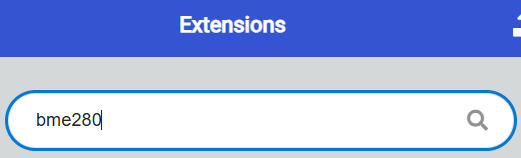
Then search for "bme280":
Then click on the BME280 extension:
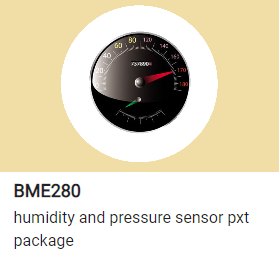
You should see a new block appear:

Enter this code:
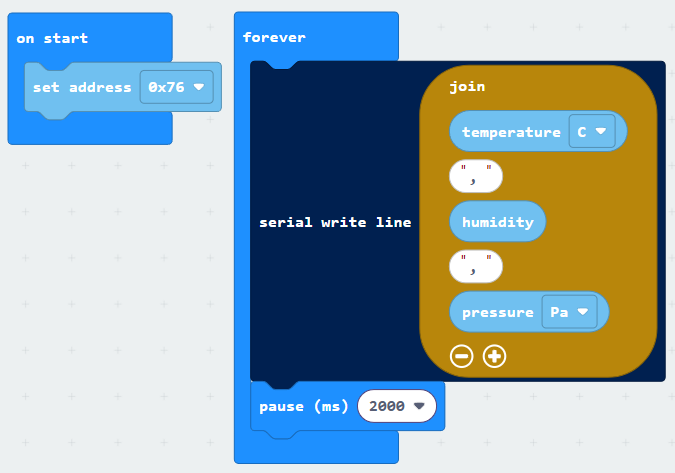
If you are using the Adafruit sensor, set the address to 0x77.
Download the code to the microbit.
To see the data, click on Show data Device:

You should see some numbers and a graph. These show the temperature, humidity and pressure. Warm the sensor in your hands to see the temperature change. Breathing on it should increase the humidity.