Stepper Motor
Stepper motors give you a very precise movement of a number of steps. They are used in things like 3D printers, CNC machines, etc.
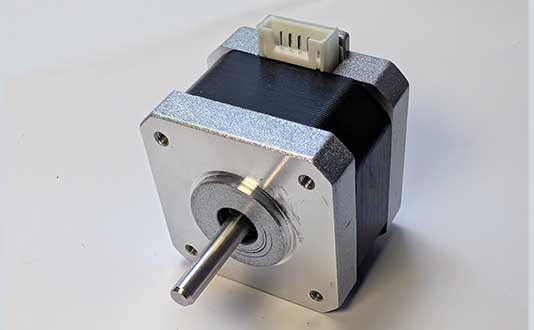
Wiring
Steppers have 4 wires, which may be already attached to the motor, or you may need to plug them in:
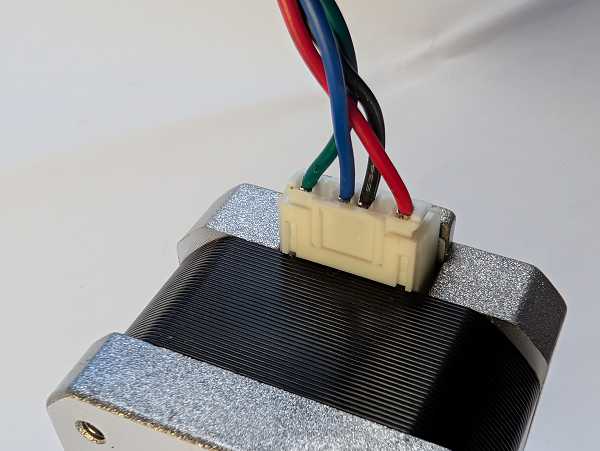
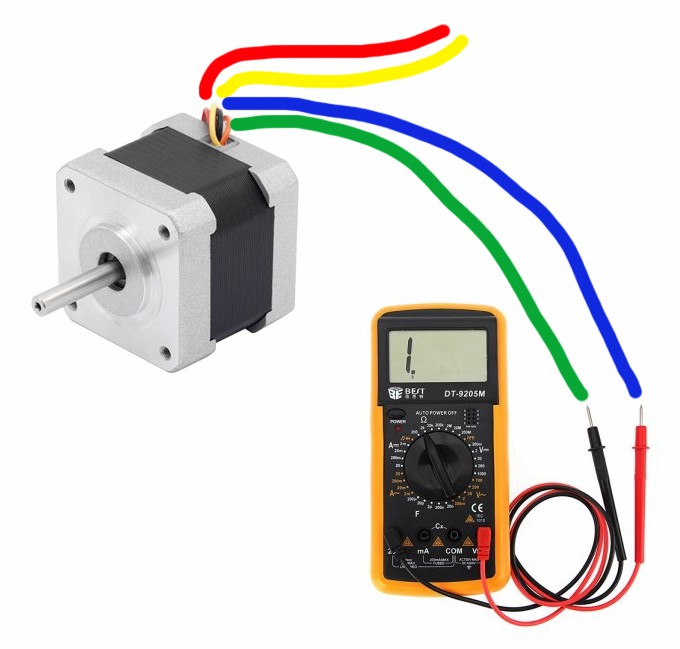
The wires come in two pairs. You need to identify the matching pairs. These may be marked, or you can use the continuity/buzz or resistance feature of a multimeter to find matching pairs. You should get a buzz or a 0 resistance for matching pairs:
We will use the Motor Controller to drive the motor. Connect one wire pair to M1 and the other to M2:
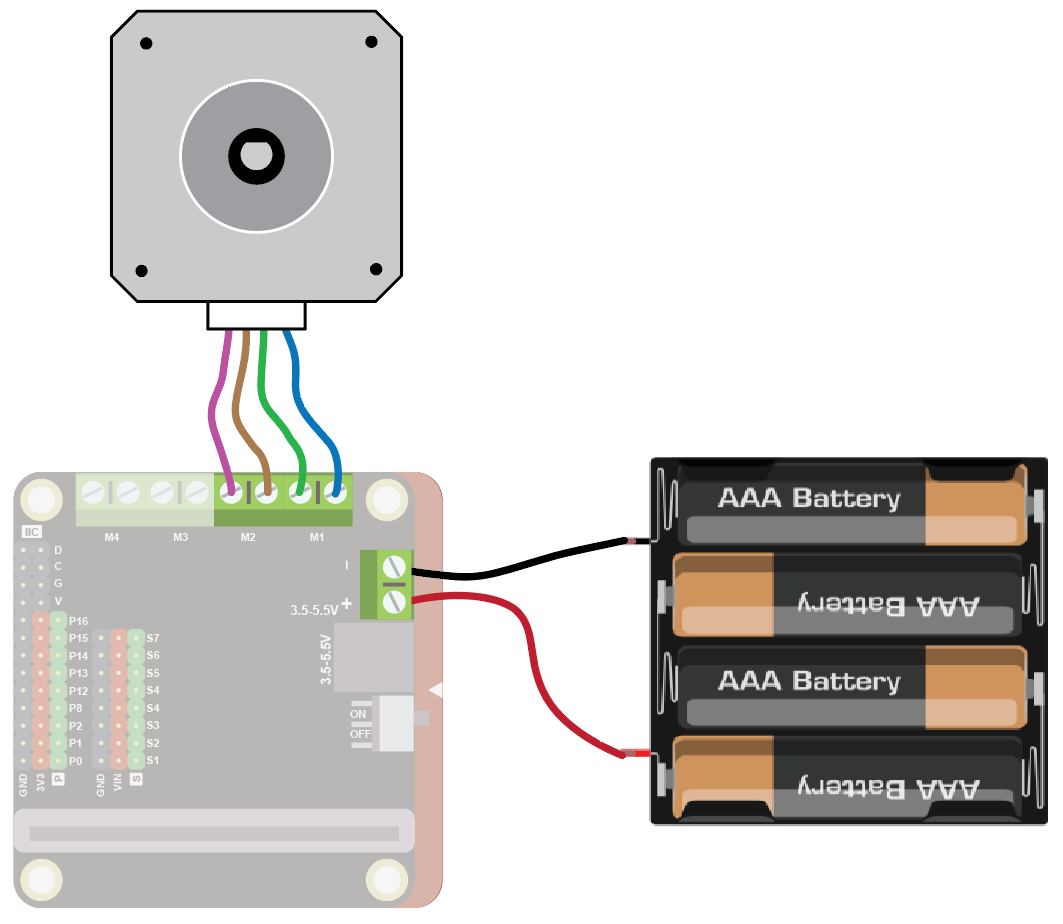
The stepper motor uses a lot of power, so connect 4xAA batteries to the power connector on the motor driver.
Coding
To use the motor you need to add the extension.
To add the extension, first click on Extensions:

Then enter the URL for the extension:

Then click on the extension:
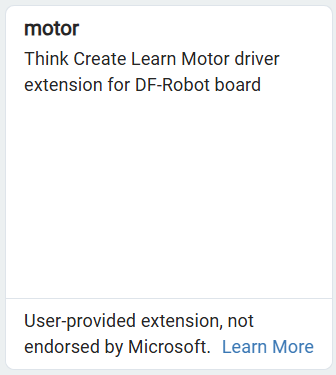
You should see the following block:

Enter the following code:
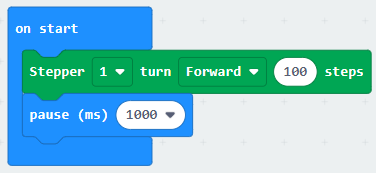
Download the code to the microbit.
The motor should move forwards for 100 steps and then stop.